WiFi Extender
By Xfinity
Starting at
$
119
00
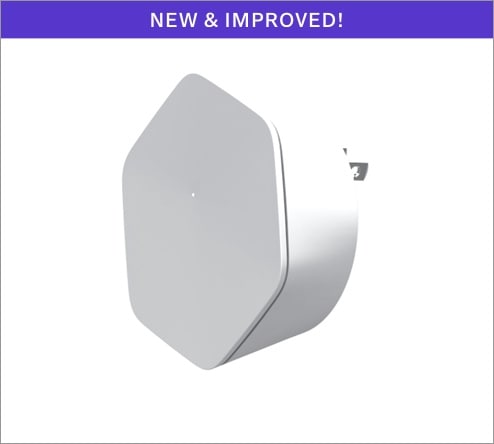
A WiFi Extender works with our Xfinity Gateway to extend your WiFi network, and helps eliminate dead spots for more consistent coverage to keep you seamlessly connected throughout your home. Now enhanced for better performance and 2x faster speeds than our last generation.
Get Xfinity Pro and get up to 2 WiFi Extenders included if recommended.
Get Xfinity Pro and get up to 2 WiFi Extenders included if recommended.
Plug in, easy self-installation
Self-optimizing mesh WiFi network
More consistent coverage
Specs
Color: White
WiFi: Tri-Band Radio
WiFi Capacity: AC3000
Size: D:1.42in./L:3.78in./H:3.53in.
Ethernet: Dual GB Ethernet
Bluetooth: LE 4.0
Power supply: 100-240VAC, 50-60Hz, 15W Max
Price is for one-time purchase. Purchase will be added to your next bill, plus taxes, fees, shipping and handling. Extender connection speed will not exceed the maximum speed of your Internet plan. Maximum throughput of 500 Mbps over WiFi connection in laboratory setting.
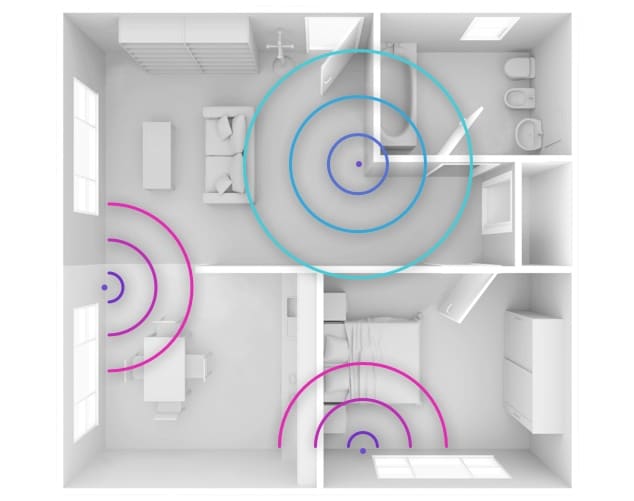
How many Extenders do you need?
Our Xfinity Gateway all-in-one modem + router delivers a powerful connection with built-in Advanced Security. Need more coverage? A WiFi Extender can give you a boost.
- • 1 Extender: Helps solve connectivity issues in 1-2 story homes with 3-4 bedrooms
- • 2 Extenders: Better for larger homes with 5+ bedrooms

Connect seamlessly
A WiFi Extender creates a powerful mesh WiFi network that finds the fastest connection in your home, to keep you seamlessly online as you move around.
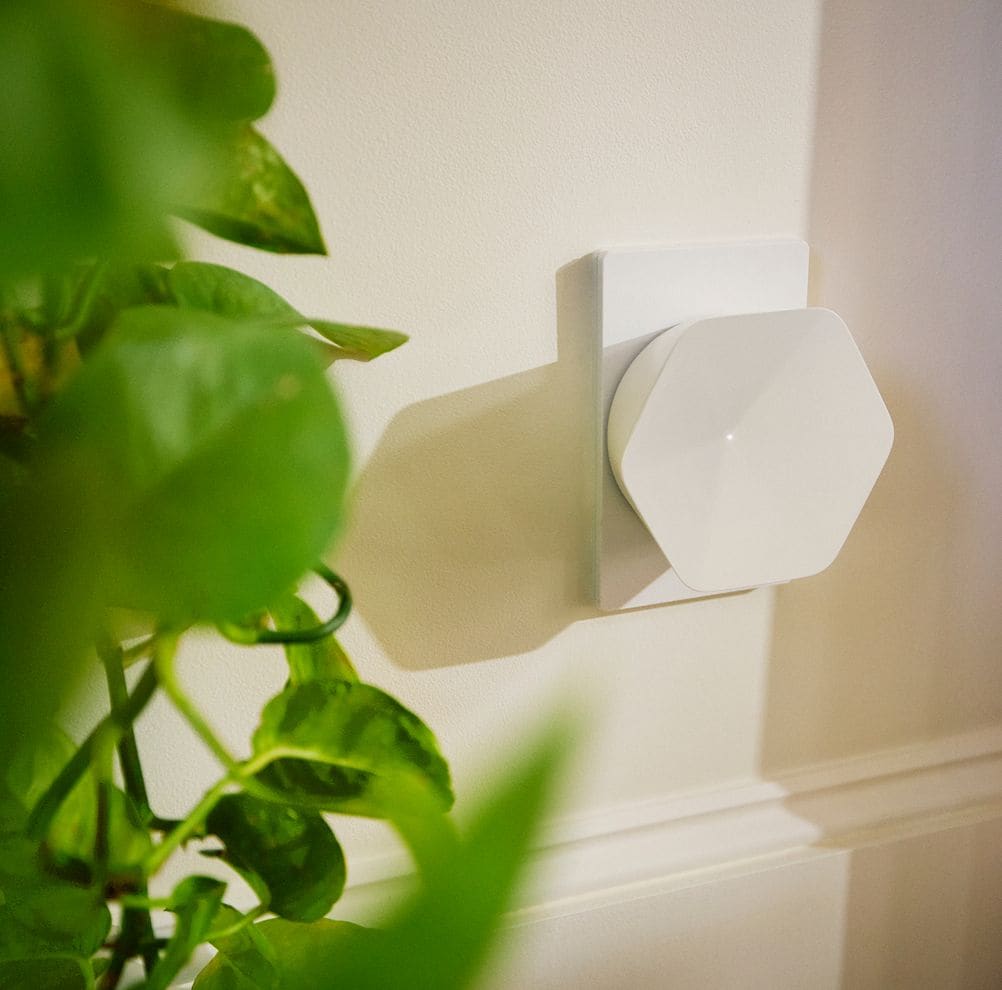
Instantly increase your home’s WiFi coverage
Just plug your Extender into an indoor electrical outlet, then use the Xfinity app to pair it with your Xfinity Gateway. We’ll walk you through setup in minutes.
Easy setup, no technical skills needed
Get the Xfinity app
Download the app on your mobile device, available on Google Play and the App Store.
Connect Extenders to the app
Open the app and tap More at the bottom of the screen. Then tap Add a Device, and WiFi Extender.
Follow a few simple steps
Follow the instructions that appear on your screen to enjoy more consistent WiFi. That’s it!
DON'T HAVE XFINITY INTERNET?